
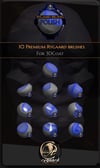
Rygaard Polish Brush Pack
On Sale
$999.99
SELECT YOUR CORRECT LICENSE TYPE & 3DCOAT VERSION AND BUILD
⚠️IMPORTANT:
COMPATIBILITY & SYSTEM REQUIREMENTS
Before purchasing, you MUST check your specific 3DCoat version and build number. Please note that, due to the digital nature of this product, NO REFUNDS or license exchanges will be issued if you select the wrong variant because access to the content is immediate and permanent after purchase.
Please look at the radio button list above and ensure you select the correct version and build based on your software:
- Option 1: 3DCoat 2026 Build 05+
- Supported Software: 3DCoat 2026 (specifically Build 2026.05 and HIGHER).
- Important Note: Select this option if you are running the most up-to-date versions of 3DCoat 2026.
- Option 2: 3DCoat 2024 Build 02 - 2026 Build 01
- Supported Software: 3DCoat 2024 (specifically Build 2024.02 & HIGHER), 3DCoat 2025, and 3DCoat 2026 (Build 2026.01 ONLY).
- Important Note: This version WILL NOT WORK on 3DCoat 2026 Build 05 or higher.
- Hardware Note: It only works with the use of digital tablets that support pressure sensitivity for maximum fidelity of the effect. It does not work correctly with a mouse.
- Exclusively for 3DCoat: These brushes will not work in other sculpting applications.
- File Extension: 3dcpack.
⚠️ KNOWN VISUAL BUG
A minor visual bug may occur in the Brushes (alphas) palette. This is a program glitch, not an issue with this pack. The fix takes one click. See the [ Help/Troubleshooting ] page for details.
What makes this pack special?
First of all, what sets any Rygaard Brushes pack apart is that a single brush can deliver different types of effects and behaviors in geometry surface deformation, depending on your digital pen's sensitivity and your custom settings. This turns a single tool into a powerful, multi-effects brush, significantly streamlining your workflow.
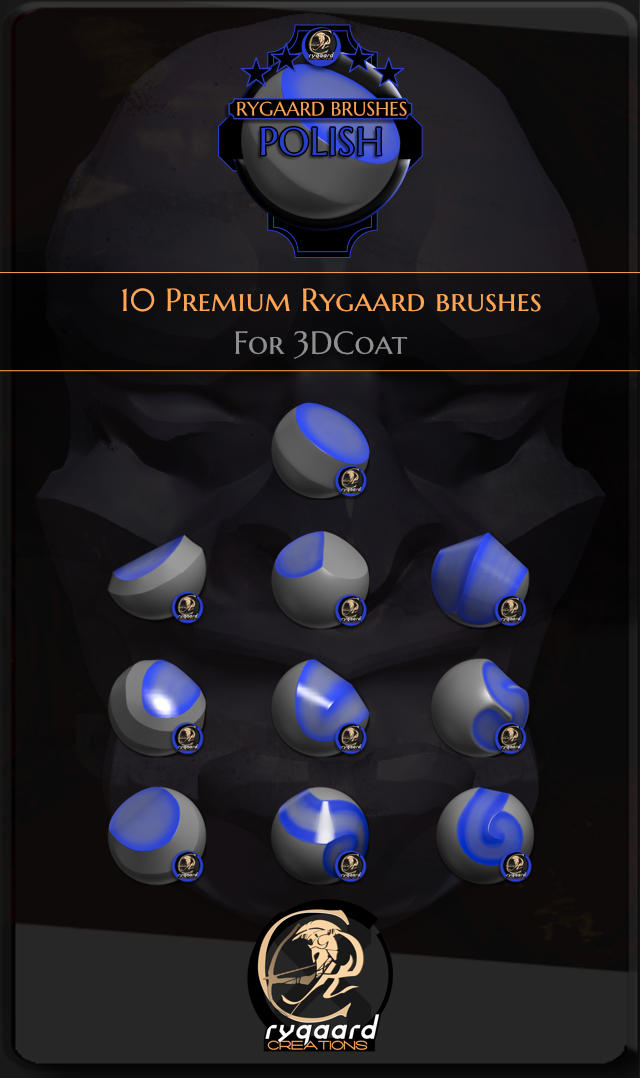
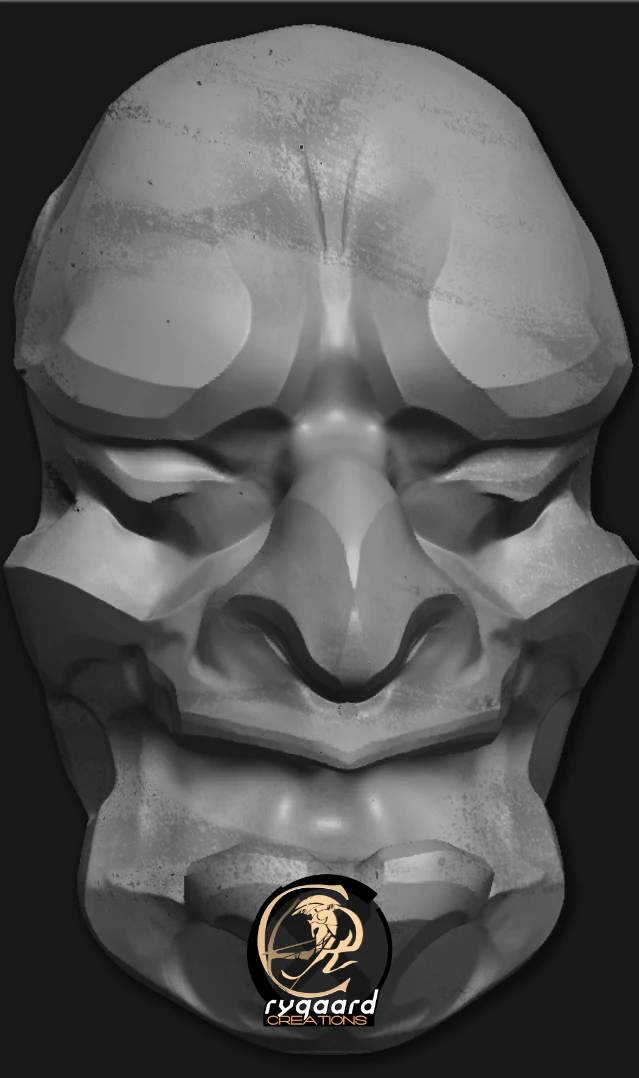
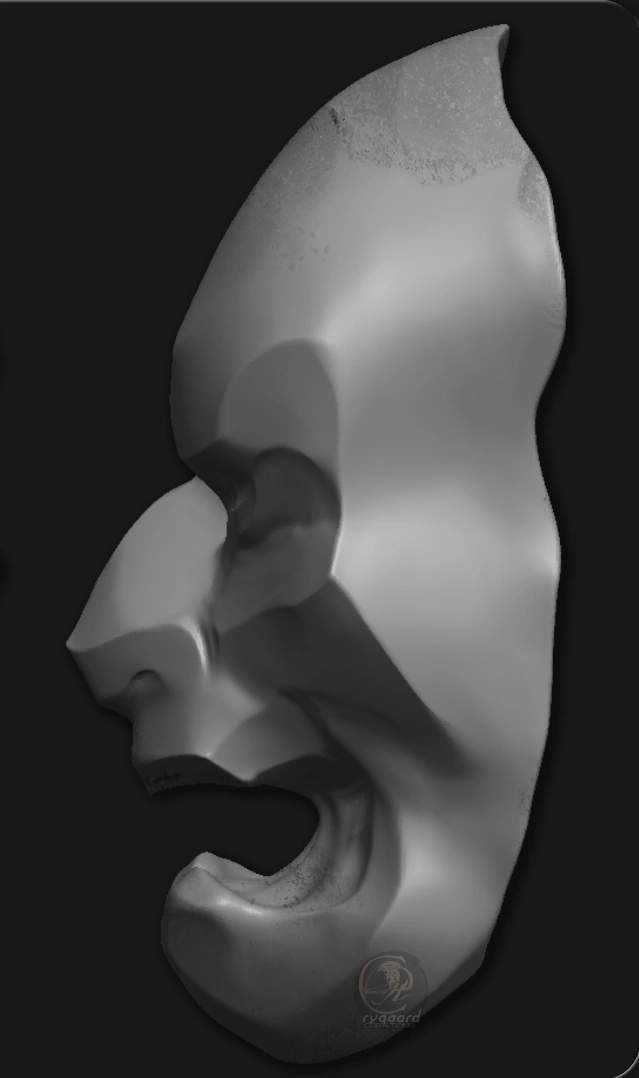
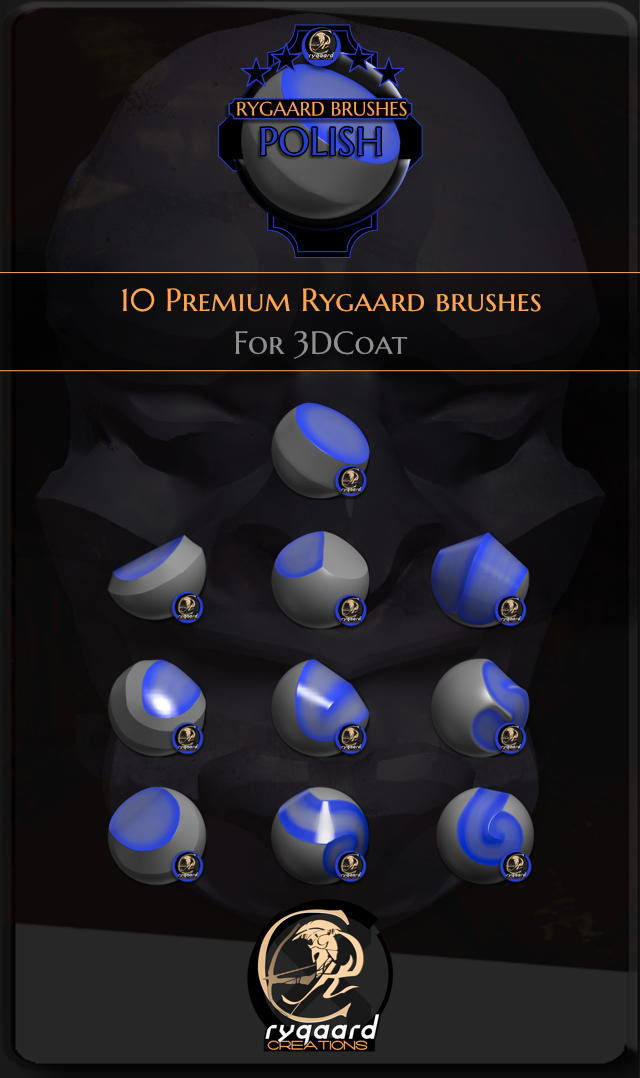
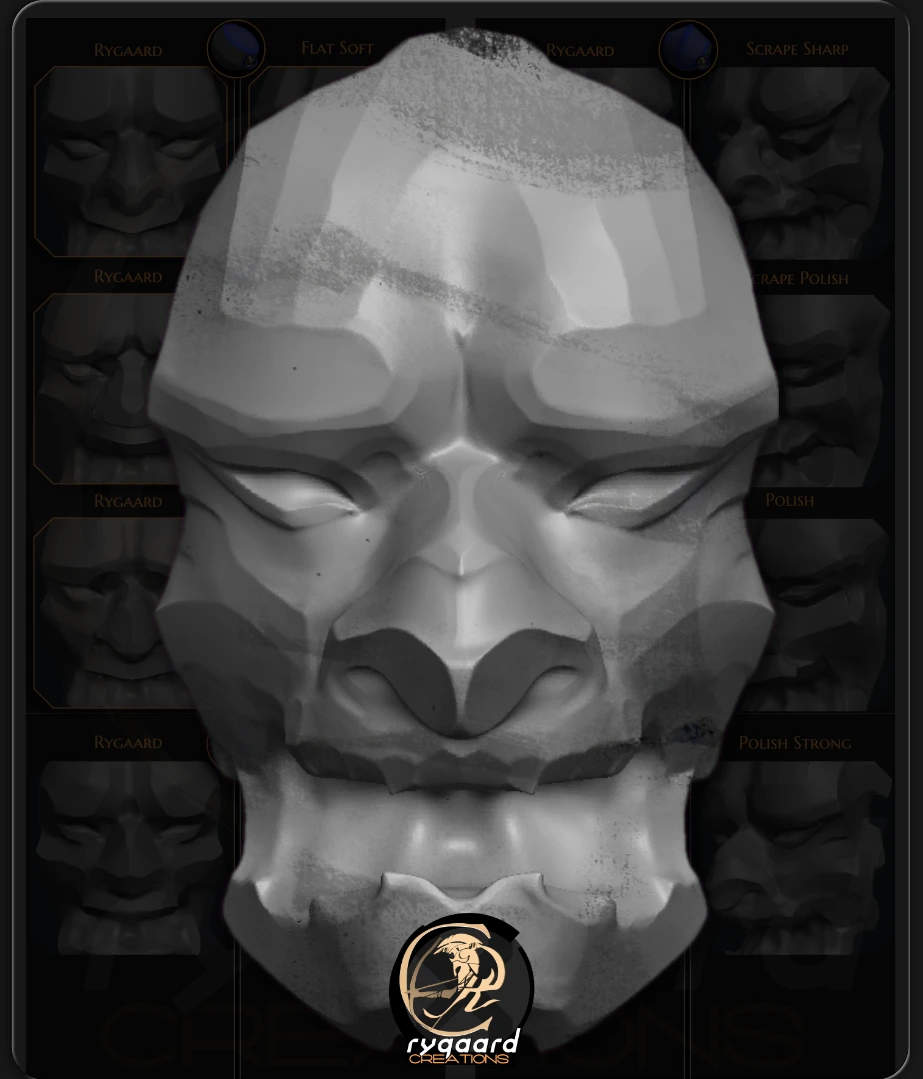
The Rygaard Polish brush pack contains 10 different brushes, designed to provide control over surface deformation polishing, combining characteristic flattening and polishing behaviors on the surface of the geometry. Therefore, it is possible not only to flatten and polish, but also to simultaneously form new flattened volumes, which is very useful for defining the blocking of new shapes on rigid surfaces.
Each brush has its own characteristic behavior in controlling flatness and polishing in the deformation of the geometry’s surface. Therefore, the main purpose of these brushes is to sculpt hard surfaces.
✓ Check the Brush Effect
Do you want to be sure this brush is perfect for your 3DCoat workflow?
Watch the demo videos and see the brush's behavior in real time. Press play, evaluate, and purchase with complete confidence!
Below, see all the brushes in action
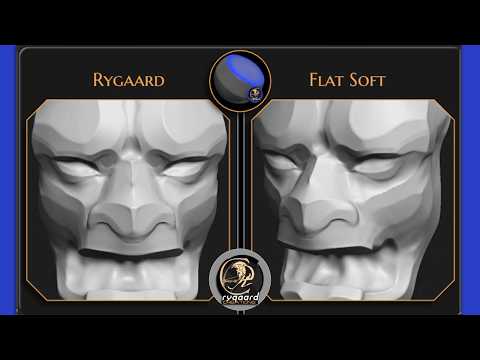
Rygaard Flat Soft

Rygaard Flat Strong

Rygaard Flat Polish
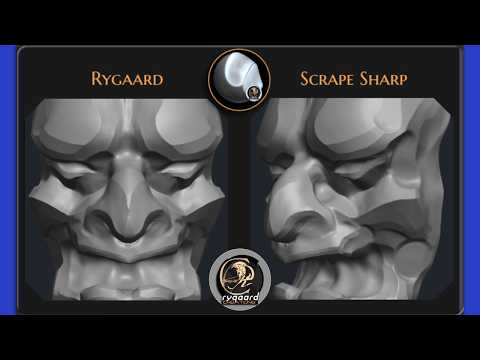
Rygaard Scrape Sharp

Rygaard Scrape Polish

Rygaard Polish

Rygaard Polish Soft

Rygaard Polish Strong

Rygaard Polish Flow

Rygaard Polish Flow Soft
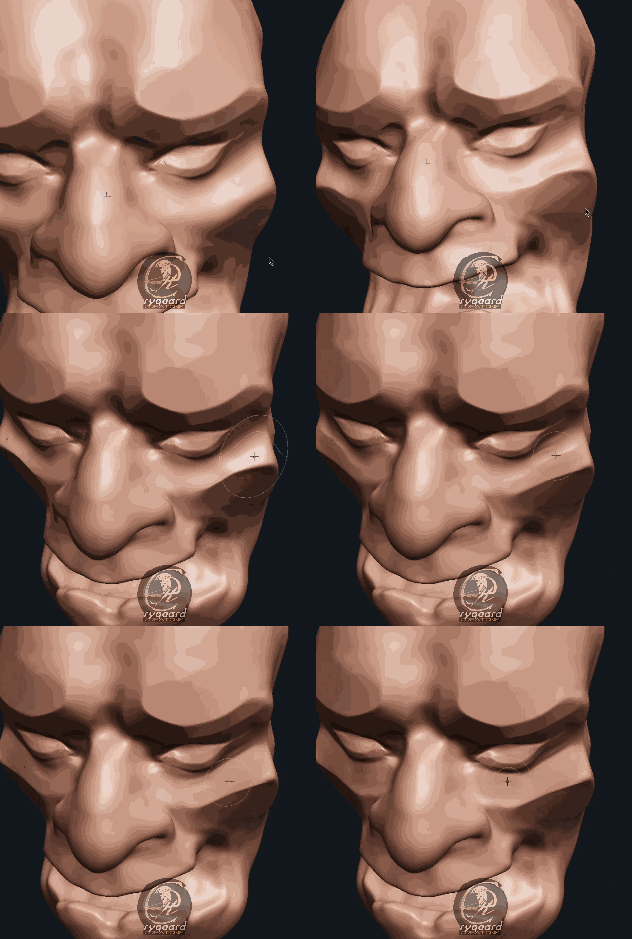
Quick demo using the Rygaard Flat Soft brush
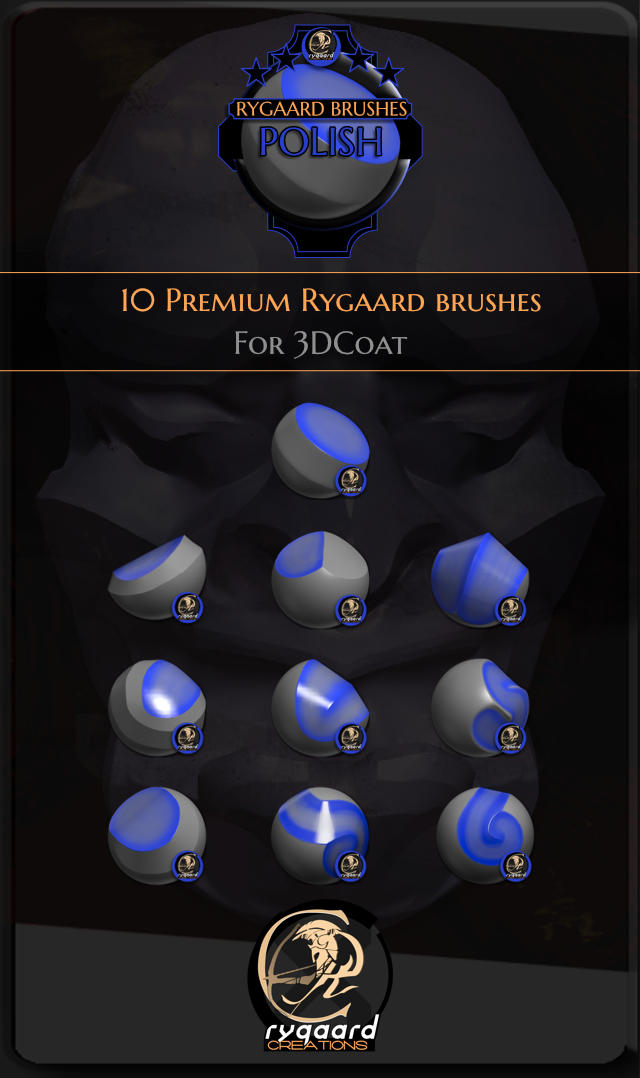
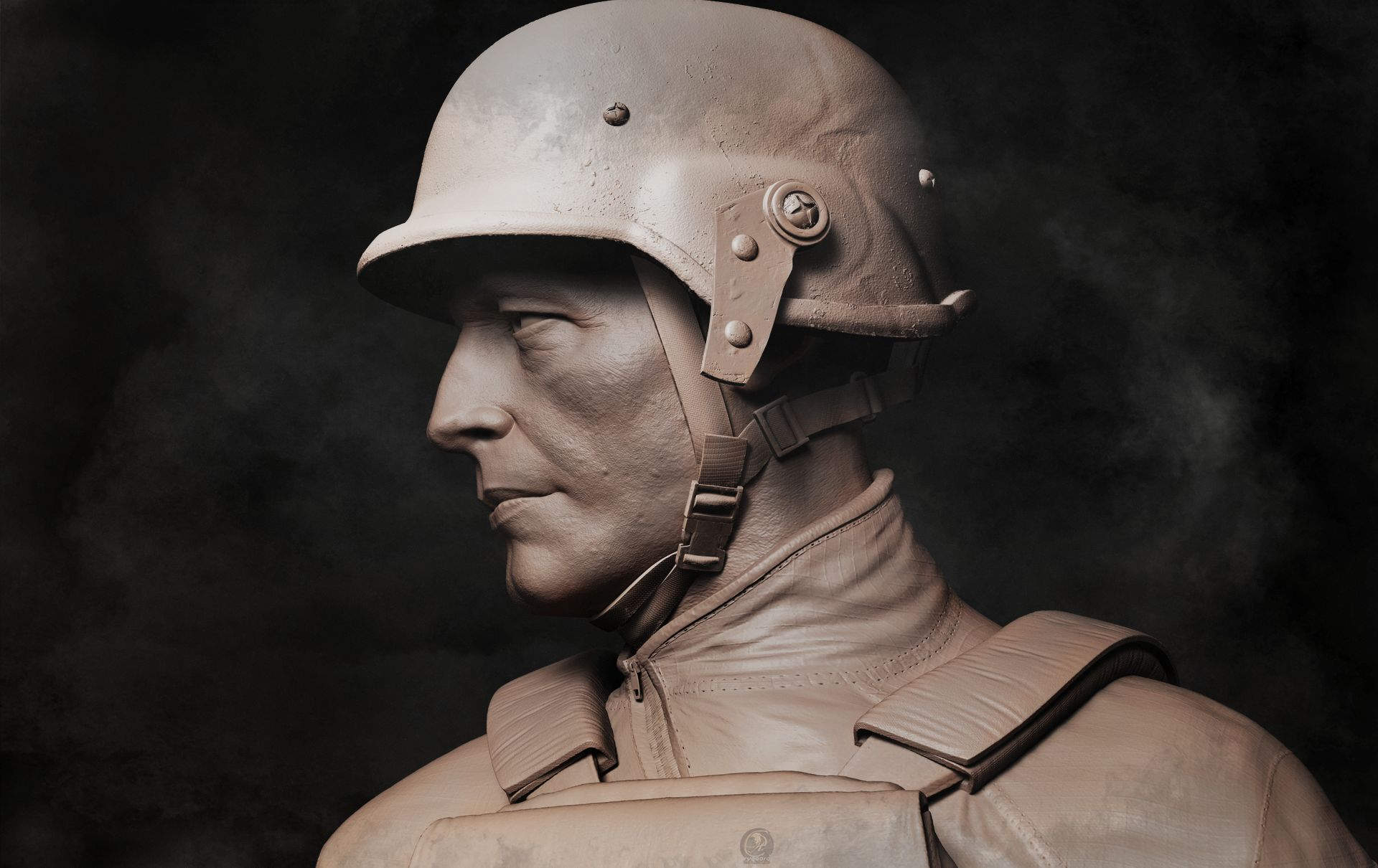
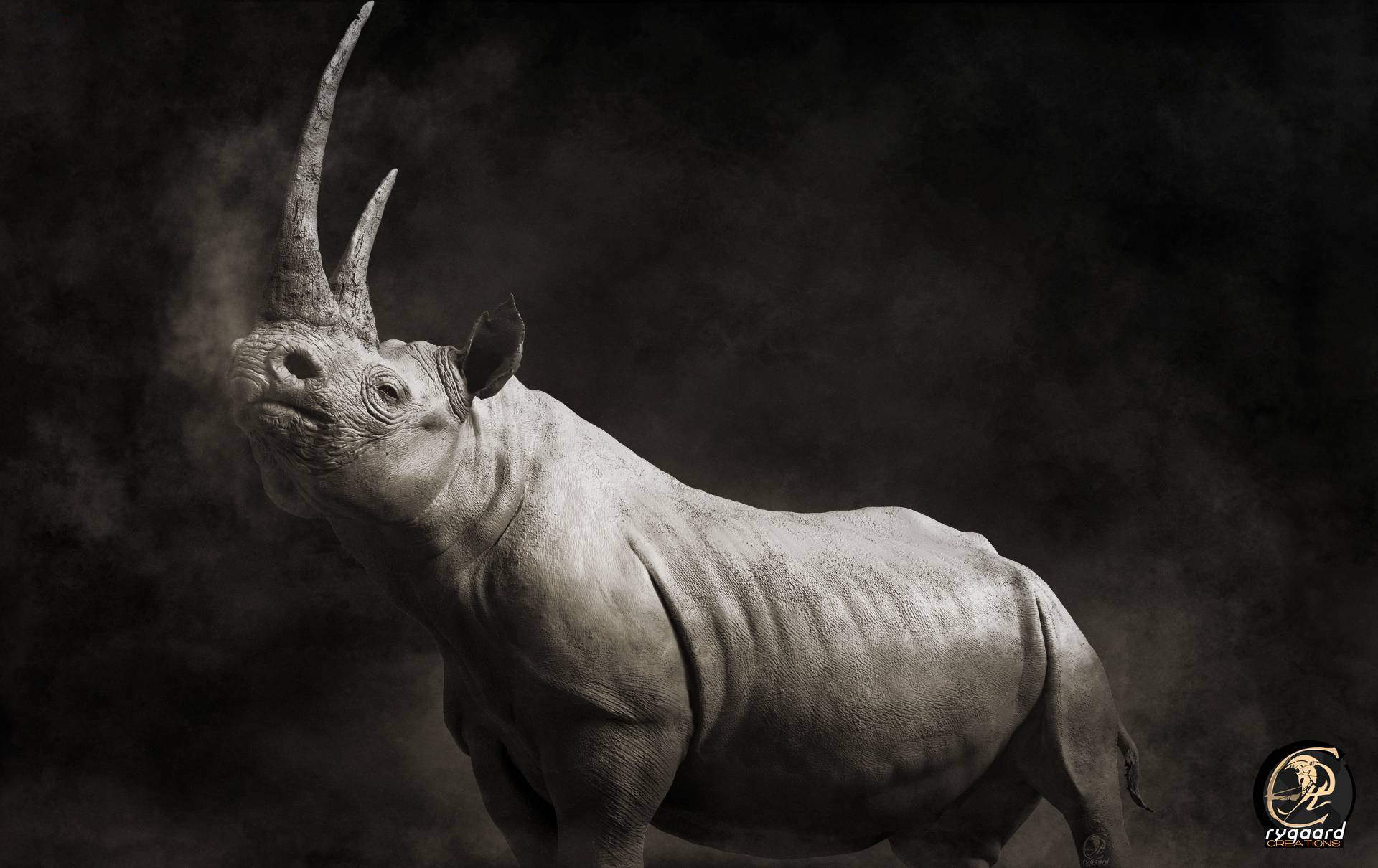
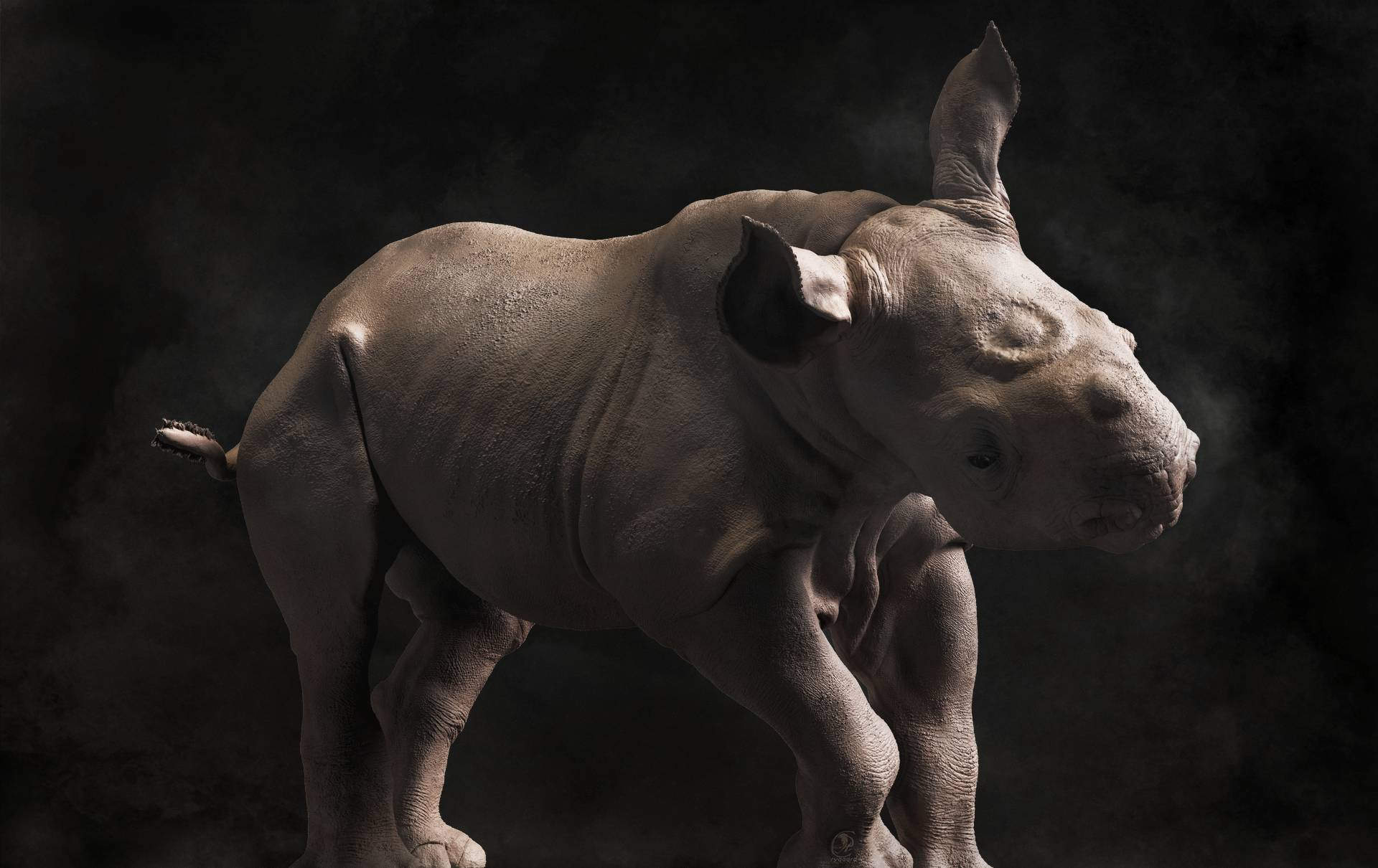
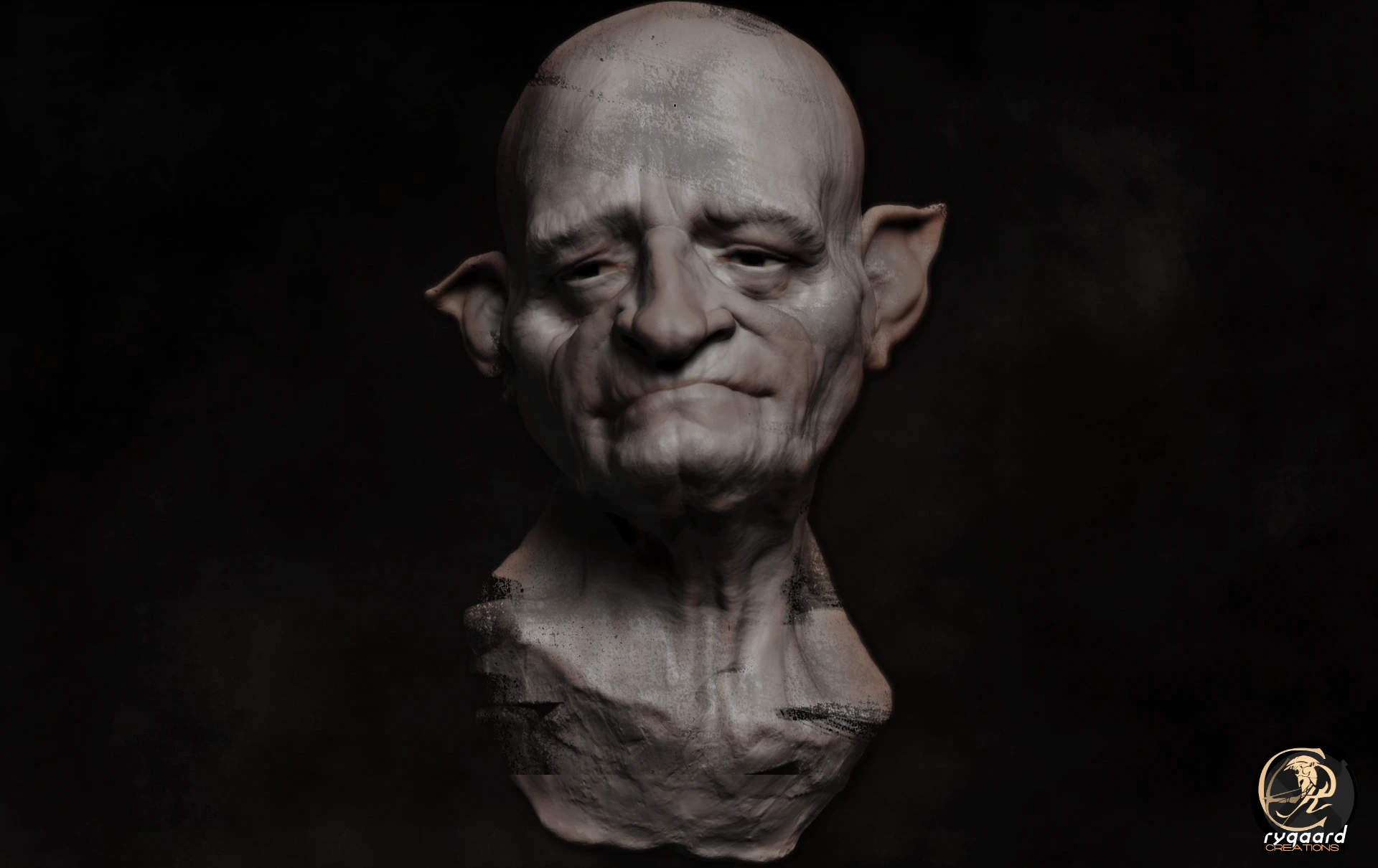
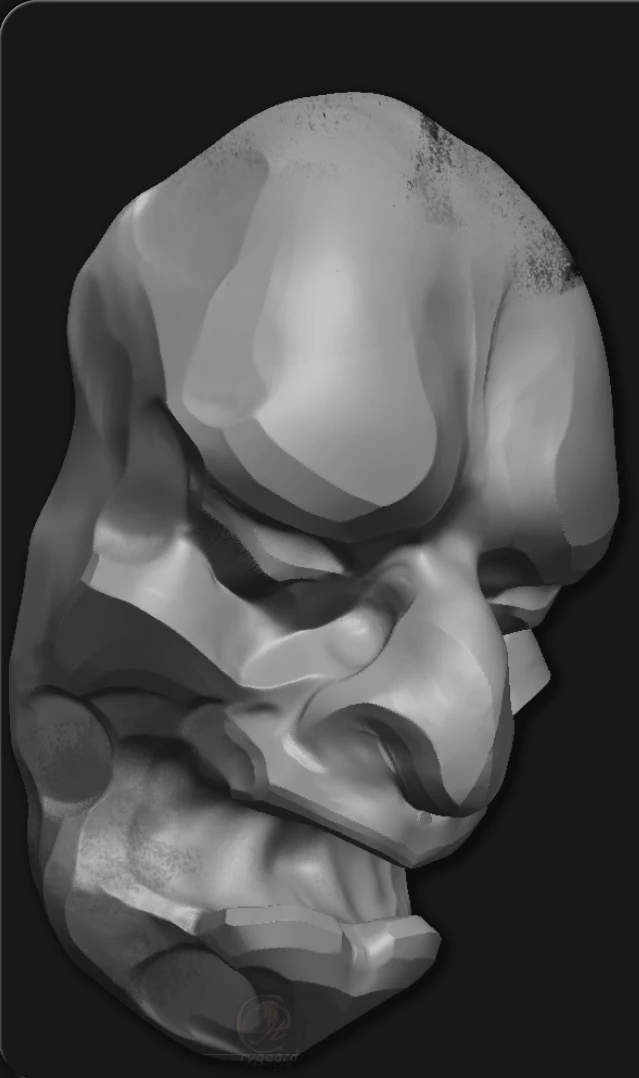
"The Rygaard Polish brush pack was created with the idea of polishing and flattening the surface of geometry. These brushes offer brushstrokes with excellent control over the polishing deformation on the surface, designed to simulate hard surface sculpting."
🏆 10 PREMIUM RYGAARD BRUSHES
🖌️ THE “POLISHING” TYPE (FLATTENING AND POLISHING)
🖌️ THE “VOLUME BLOCKING” TYPE (FLATTENING BLOCKING BEHAVIORS)
⚙️ ALL WITH THEIR RESPECTIVE PRESETS
🍁 ALL WITH THEIR RESPECTIVE BRUSH TIPS (ALPHAS)
📌 WELL ORGANIZED WITH ICONS
🚀 EASY TO USE
Choose the license that best suits you
Important and essential FAQs
-
Once your purchase is complete, your download link does not have an expiration date. However, for security reasons and to prevent unauthorized sharing, each purchase grants a maximum of three (3) download attempts.
We highly recommend that you download the files immediately upon purchase and securely back them up on your local drive or cloud storage so you can access them at all times.
Please refer to our Terms of Use for more details regarding digital asset management.
-
No, you should NOT use any download managers (such as IDM or similar software) to download your digital products.
Download managers work by establishing multiple simultaneous connections to the server to accelerate the process. Because our digital assets have a security limit of three (3) download attempts, a download manager will trigger all your allowed attempts at once. If any part of the connection fails, your download will be blocked, and you will lose access to your purchase.
Please use your standard web browser (Chrome, Firefox, Edge, Safari, etc.) for a single, direct download. For more information, please refer to our Terms of Use.
-
No. Due to the immediate, downloadable nature of digital assets, all sales are final, and all products are strictly non-refundable.
Once a purchase is completed and the download link is delivered, the digital transaction cannot be reversed, revoked, or returned. We cannot verify whether the files have been stored, copied, or used on your device, which is why refunds are not permitted under any circumstances.
Please carefully review the product description, requirements, and compatibility details before finalizing your purchase.
-
No, exchanges or refunds are not possible due to the nature of digital goods.
Once a digital product is purchased and the download link is generated or accessed, the product is considered "opened" and consumed. Because digital files cannot be physically returned or revoked from your device, all sales are final.
Please double-check your cart and verify the product description, compatibility, and license type carefully before completing your checkout.
-
The main difference is the number of users authorized to use the brushes and the type of entity purchasing them:
- Individual Commercial License: Built for single freelance artists, hobbyists, or independent creators. It grants one (1) user the right to use the brushes in personal and commercial projects. It cannot be shared with other artists or team members.
- Studio Commercial License: Required for companies, agencies, studios, or teams. It covers multi-user environments where multiple artists need access to the assets. It is sold in flexible tiers based on your team size (1-4 users, 5-9 users, or 10+ users for a full Site License) so your entire studio stays legally compliant with a single purchase.
-
No. Licenses are tied strictly to the specific tier selected at checkout and cannot be modified, exchanged, or converted after the purchase is complete.
If your team expands, or if you transition from an individual freelance setup to a studio environment, you will need to purchase the appropriate Studio Commercial license tier as a completely separate transaction. Each license is independent, and credit from past purchases cannot be applied toward a new tier.
-
No. Rygaard Brushes are designed exclusively for 3DCoat and are not compatible with any other 3D software (such as ZBrush, Blender, or Substance Painter).
Because these brushes utilize 3DCoat’s native engine and specific features, they cannot be converted or imported into third-party applications. Before making a purchase, please carefully check the product description to ensure the pack is compatible with the specific version of 3DCoat you have installed on your computer.
-
No. Before making any purchase, please be fully aware that Rygaard Brushes are strictly compatible only with specific versions of the software due to technical engine requirements.
Option 1: 3DCoat 2026 Build 05+
COMPATIBLE VERSIONS:
- 3DCoat 2026 (Specifically version 2026 Build 05 and HIGHER)
Option 2: 3DCoat 2024 Build 02 - 2026 Build 01
COMPATIBLE VERSIONS:
- 3DCoat 2024 (Specifically version 2024.02 and HIGHER)
- 3DCoat 2025 (All versions)
- 3DCoat 2026 (version 2026 Build 01 ONLY)
INCOMPATIBLE VERSIONS (Will NOT work):
- 3DCoat 2024.01 and EARLIER
- Any older versions of 3DCoat (such as v4.x, 2021, 2022, 2023, etc.)
CRITICAL WARNING: If you are currently using 3DCoat version 2024.01 or any older version, DO NOT purchase any Rygaard Brushes pack, as the files will not function in your software and digital sales are non-refundable. Please verify your installed software version before completing your checkout.
-
No, using a mouse is highly discouraged. Rygaard Brushes will not function correctly with a standard mouse, nor is a mouse recommended for professional digital sculpting.
These premium brushes were designed exclusively to work with graphics tablets (such as Wacom, Huion, etc.) that support pen pressure sensitivity and are compatible with 3DCoat.
Why a graphics tablet is required:
- Dynamic Surface Deformation: The brushes are calibrated to alter their geometric deformation and effect behavior dynamically based on how hard or soft you press the stylus pen and with conjunction of the settings that you can used.
- Maximum Effect Fidelity: Without pressure sensitivity, the specialized multi effects in each brush cannot be achieved, resulting in a flat, unintended look and even not work at all.
For the best sculpting experience and to achieve the intended premium results, please ensure you are using a pressure-sensitive graphics tablet.
-
Yes, for fixes and improvements. Any necessary bug fixes, optimizations, or minor tweaks will be provided to you automatically for free. If an update is released, you will receive an official email from the Rygaard Creations store with instructions on how to download the new version.
However, please note that complete product overhauls, major redesigns, or entirely new brush creations are not included as free updates and will be released as separate products.
-
The installation process is extremely quick and easy. You can install the brushes right away by following these simple steps:
- Open 3DCoat.
- Go to the top menu and click on File.
- Select the Install Extension option.
- Locate and choose the downloaded brush pack file (with the .3dcpack extension) from your folder.
- Once the installation process is complete, close and restart 3DCoat.
That’s it! Your premium brush pack has been successfully installed and is ready for your sculpting projects.
-
Yes, to ensure any brush works correctly and to get the best possible experience, you only need to enable two simple settings:
1) In the preferences (Brushing tab): Enable the "Show Focal Shift in top Panel" option;
2) In the shader settings (right-click the shader slot): Choose the option that best suits your workflow—"Edit Current Objects Shader Settings" or "Edit Permanent Shader Settings"—and then enable "Flat Shading".
-
No. Rygaard Brushes are delivered as finalized, standalone premium tools. Under our commercial licensing terms and asset architecture, modifying these brushes to create, duplicate, or save new custom presets based on them is not permitted or supported.
-
No. This asset pack is sold exclusively through the official Rygaard Creations store.
If you see Rygaard Brushes hosted on any other website, marketplace, or torrent network, please do not download or purchase them. Downloading from unofficial sources poses severe risks, including:
- Security Threats: High risk of malware, ransomware, or viruses that can compromise your workstation and steal sensitive data.
- Legal & Compliance Risks: Files downloaded outside this official store do not carry a valid commercial license. Using pirated assets in professional or client work violates copyright laws and exposes your studio to legal liabilities.
- No Support or Updates: Unofficial files will not receive future fixes, updates, or customer support.
Help us protect the digital art community. If you find these brushes being distributed illegally, please report it to us immediately.
Happy Creators
You Might Also Like
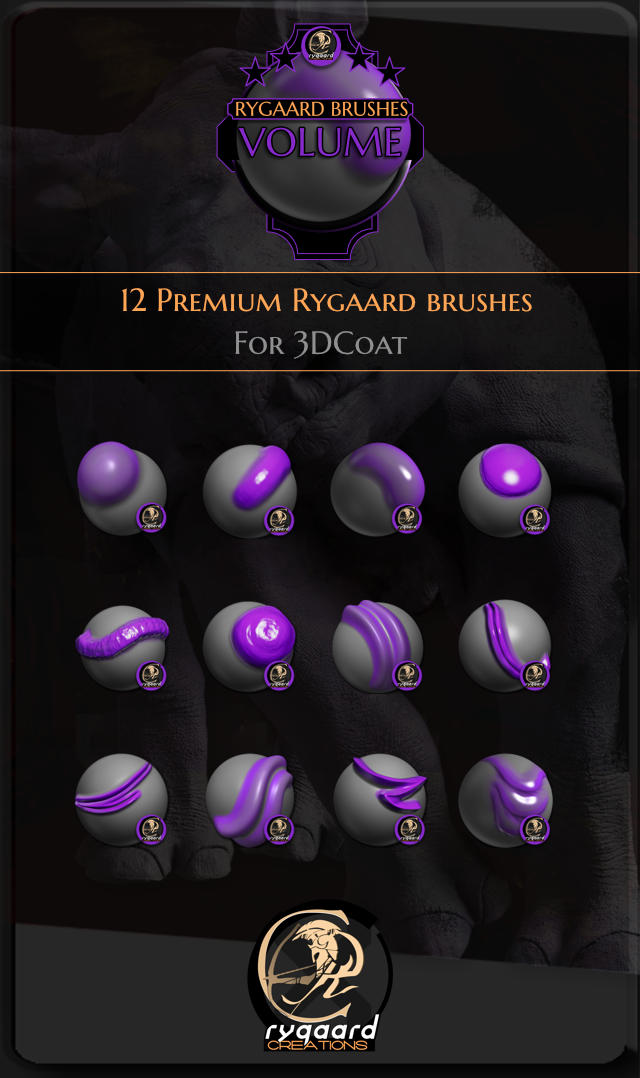
Rygaard Volume Brush Pack
From $12.50
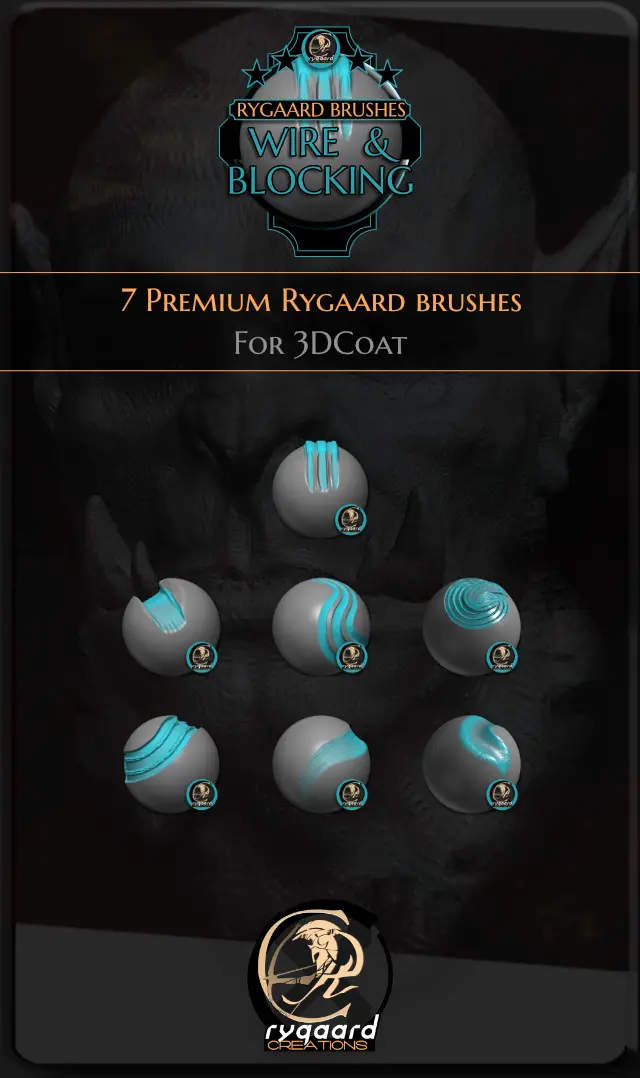
Rygaard Special Brush Pack
From $11.50
Rygaard Level Brush Pack
From $13.50
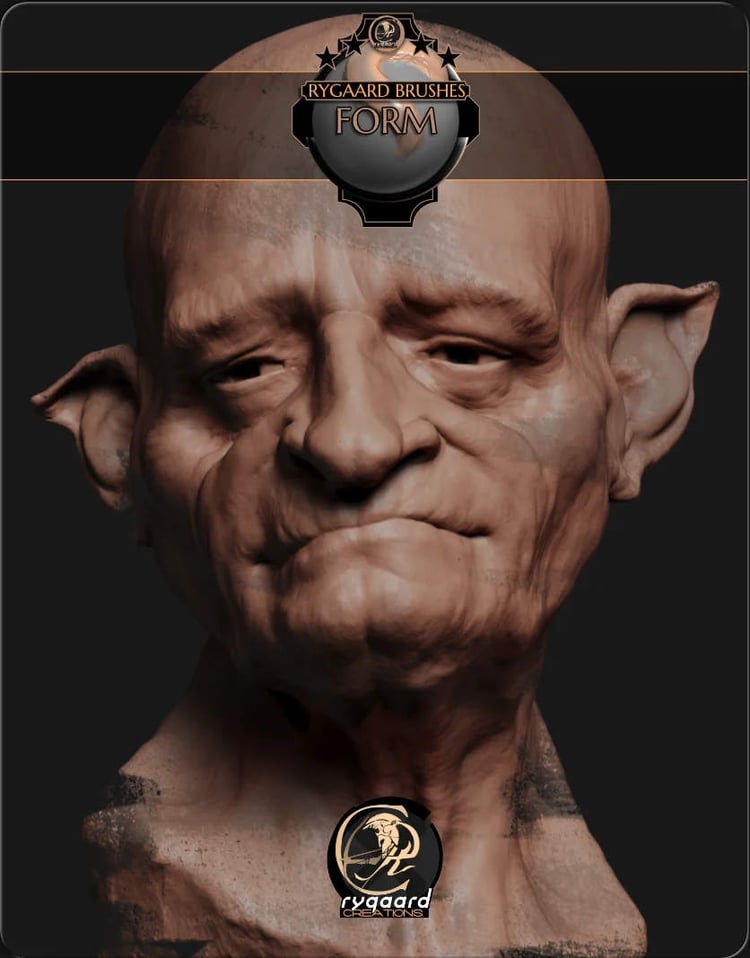
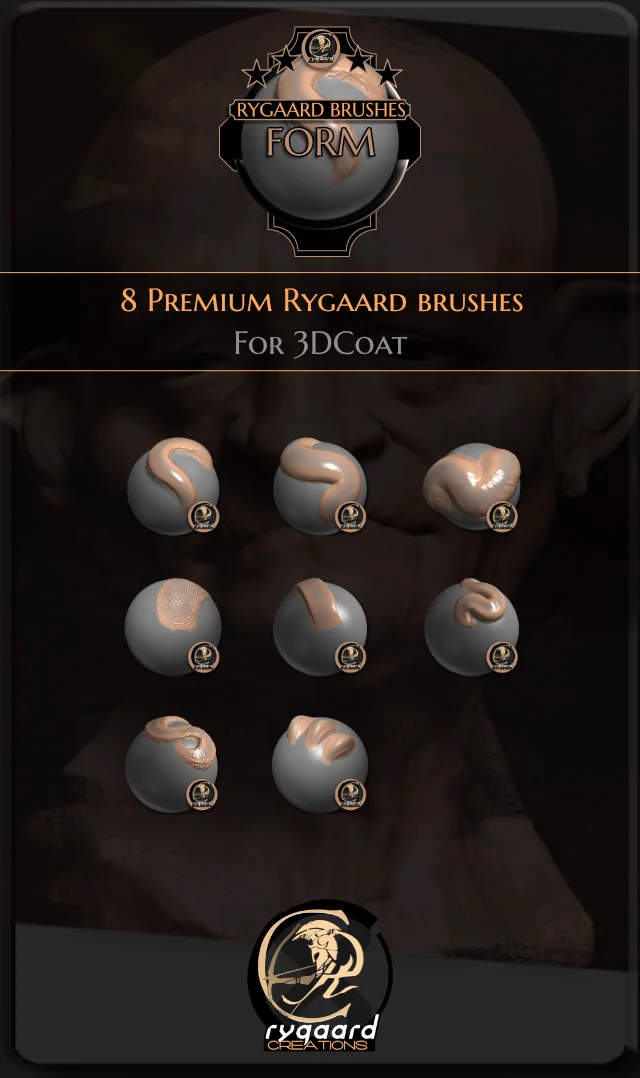
Rygaard Form Brush Pack
From $10.50
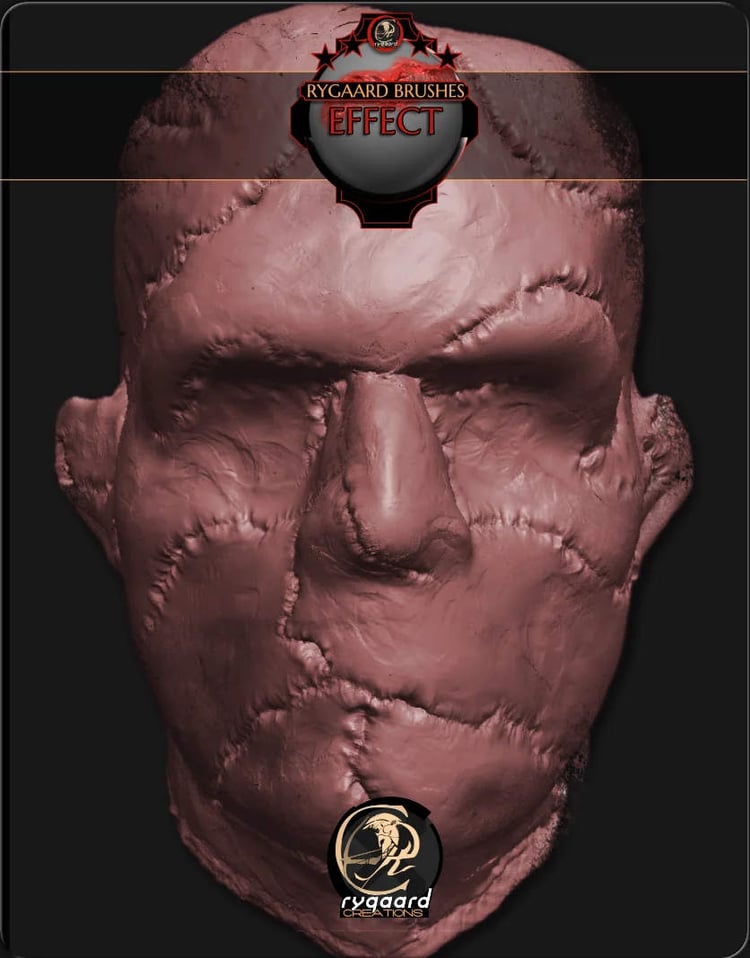
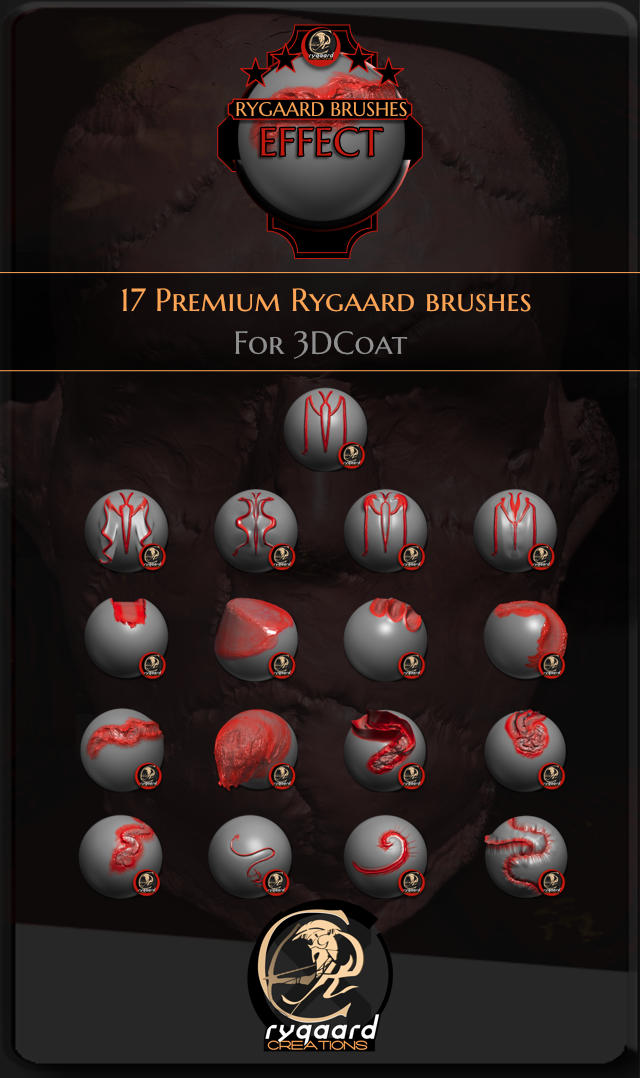
Rygaard Effect Brush Pack
From $14.75

This is a special newsletter that works in conjunction with the exclusive Rygaard Creations Inside. The journey begins here!
Made with Rygaard Brushes